 DBackup
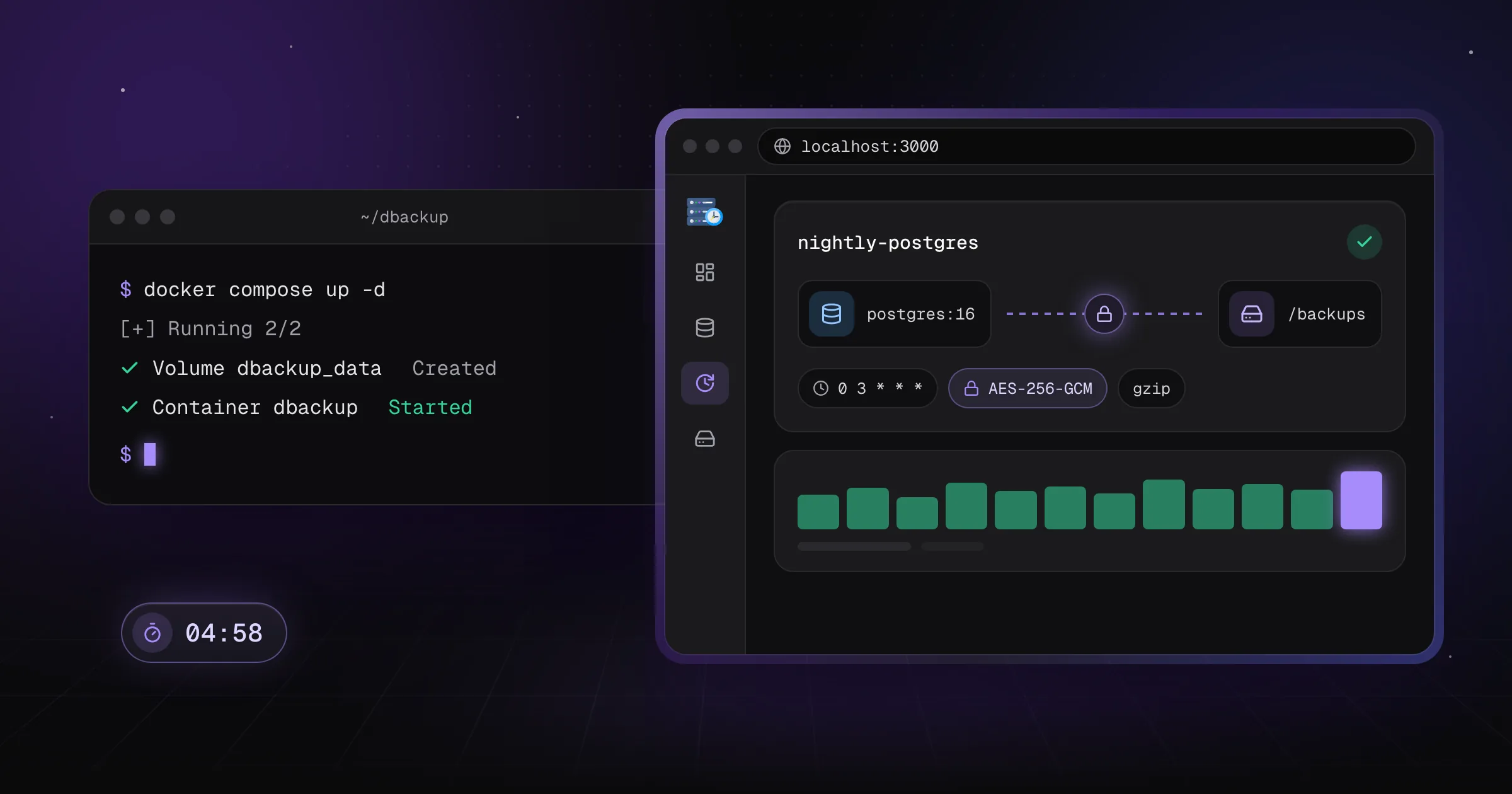
DBackup ships as a single multi-arch Docker image (amd64/arm64) with no external database required to run the app itself - it manages its own SQLite database internally. Here's the whole setup.
1. Create a docker-compose.yml
# docker-compose.yml
services:
  dbackup:
    image: skyfay/dbackup:latest
    container_name: dbackup
    restart: always
    ports:
      - "3000:3000"
    environment:
      - ENCRYPTION_KEY=       # openssl rand -hex 32
      - BETTER_AUTH_URL=https://localhost:3000
      - BETTER_AUTH_SECRET=   # openssl rand -base64 32
    volumes:
      - ./data:/data              # All persistent data (db, storage, certs)
      - ./backups:/backups        # Optional: used for local backups
Two environment variables need real values before you start the container:
ENCRYPTION_KEY- generate one withopenssl rand -hex 32. This key protects every encrypted backup and credential DBackup stores - back it up somewhere safe, separately from the./datavolume.BETTER_AUTH_SECRET- generate one withopenssl rand -base64 32. This signs session tokens for the built-in auth system.
2. Start the container
docker-compose up -dDBackup listens on port 3000 with a self-signed HTTPS certificate generated automatically on first run.
3. Create your admin account
Open https://localhost:3000, accept the self-signed certificate warning, and complete the first-run setup wizard to create your admin account.
4. Add a database source and a storage destination
From the dashboard, add the database you want to back up (MySQL, PostgreSQL, MongoDB, and seven other engines are supported) and a storage destination - even the local filesystem works to start with. Both connections can be tested before saving.
5. Create your first job
A job pairs one or more sources with one or more destinations, a schedule, encryption, compression, and a retention policy. Save it, run it once manually to confirm everything works, then let the cron schedule take over.
That's the whole loop: source, destination, job, schedule. Everything else - notifications, SSO, the Storage Explorer, restore workflows - builds on top of that same foundation whenever you need it.
Full environment variable reference, reverse proxy setup, and production hardening notes: docs.dbackup.app/user-guide/getting-started
